Hard to find later
Saved posts pile up quickly, especially if you save recipes, home ideas, workouts, and everything else in the same place.
Whisk Notes helps you turn Instagram recipes, Reels, captions, screenshots, and social cooking ideas into clean recipe cards you can organize, shop from, cook with, and print.
You save a Reel because dinner looks amazing. You screenshot the caption. You send a post to yourself. You think you will remember the creator.
Then a week later, you are ready to cook and the recipe is gone somewhere inside your saved posts.
The ingredients are in the caption. The steps are in the video. The timing is in a comment. The actual recipe is not clean enough to use in the kitchen.
Whisk Notes helps you turn Instagram inspiration into recipes you can actually cook.
Whisk Notes helps you save the idea from Instagram, then organize it like a real recipe.
Start with an Instagram caption, Reel, screenshot, copied text, or recipe notes.
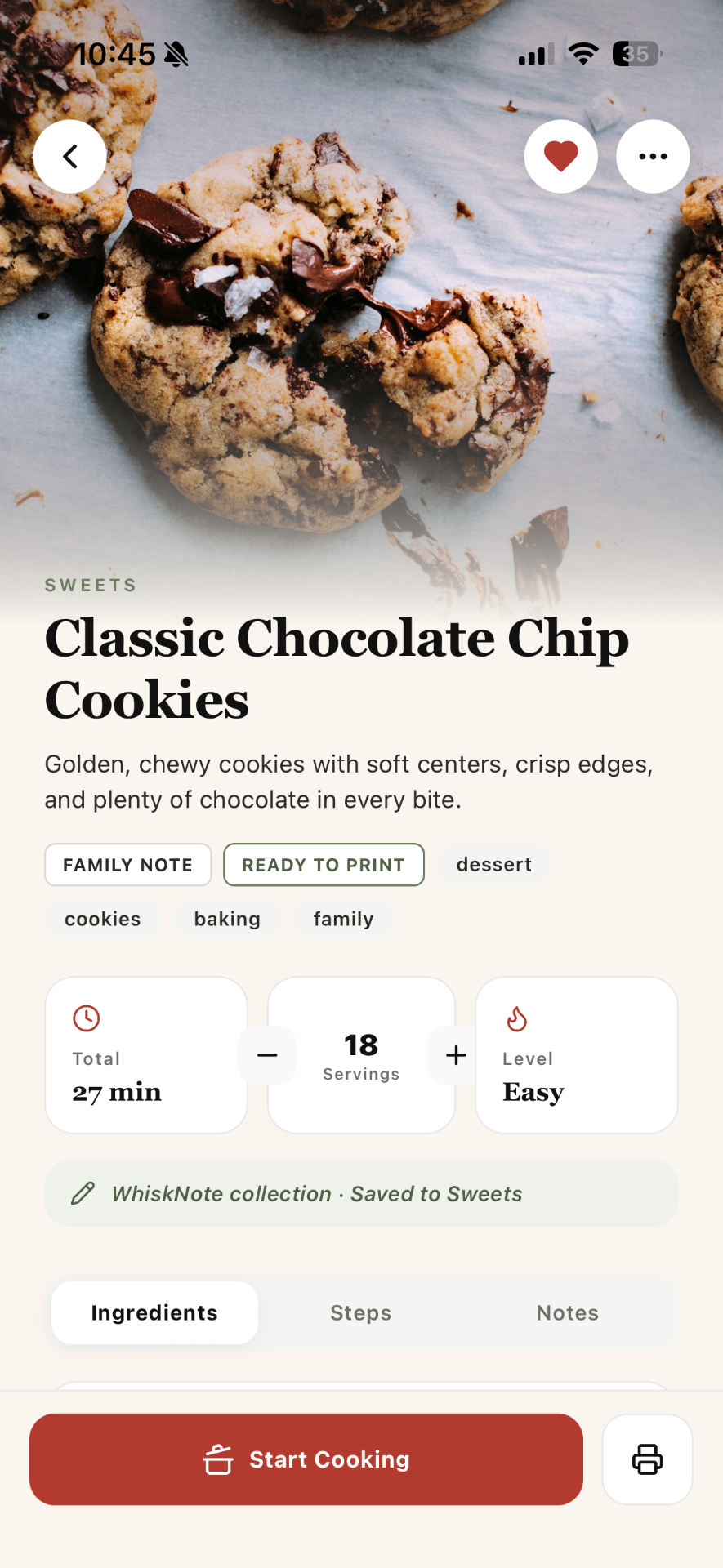
Turn long captions and rough notes into structured ingredients, steps, timings, servings, and notes.
Organize Instagram recipes into folders like To Try, Dinners, Sweets, Breakfast, or Social Recipes.
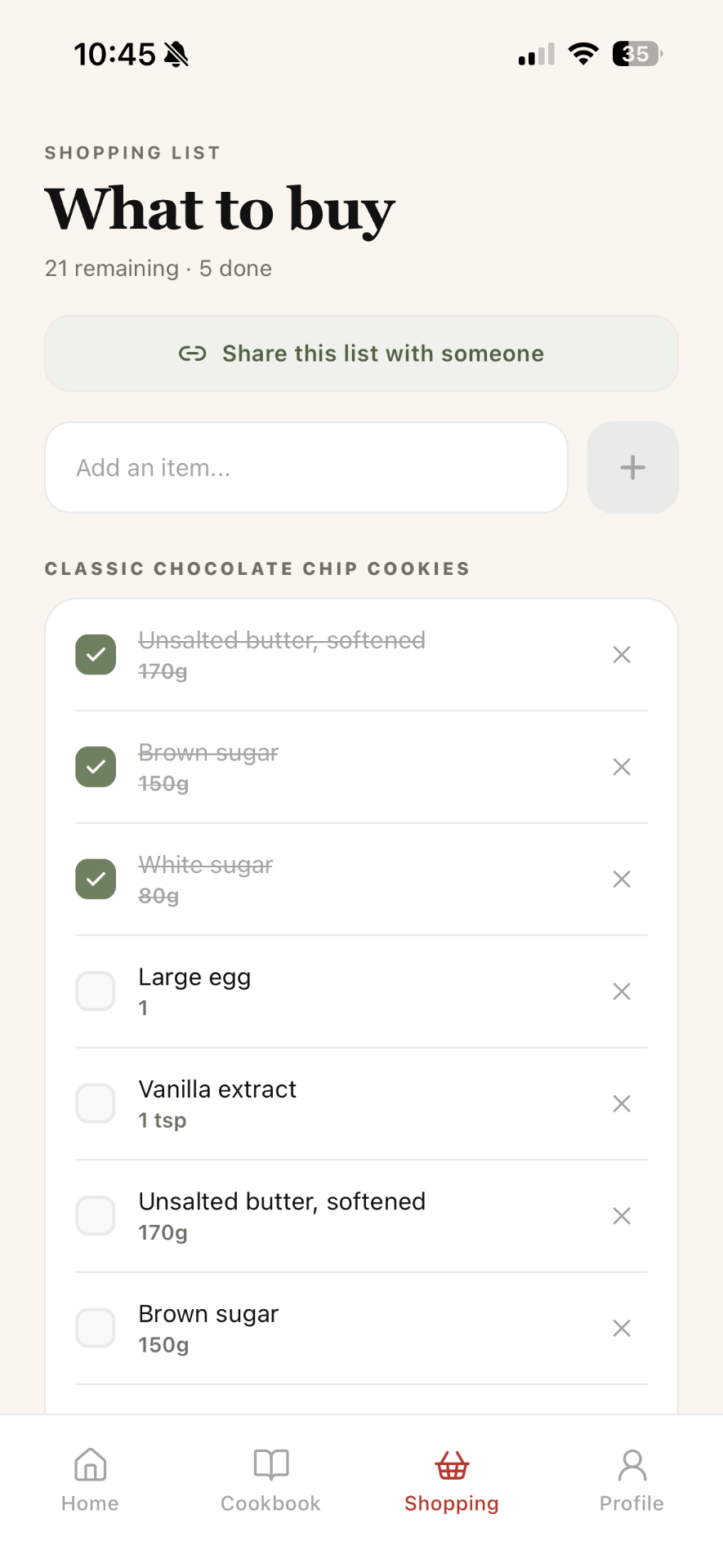
Move ingredients into a grocery list so you do not have to rewatch the Reel in the store.
Use a clean recipe screen instead of pausing, rewinding, and scrolling through Instagram while cooking.
Favorite recipes you love, clean up the ones worth keeping, and delete the ones you will never cook.
Saved posts pile up quickly, especially if you save recipes, home ideas, workouts, and everything else in the same place.
Reels move quickly, captions are messy, and ingredients are often mixed with stories, tips, and hashtags.
You still have to copy ingredients by hand before going to the store.
Instagram was built for discovery, not for building your personal cookbook.
When you find a recipe on Instagram, save the post, copy the useful text, or capture the important details.
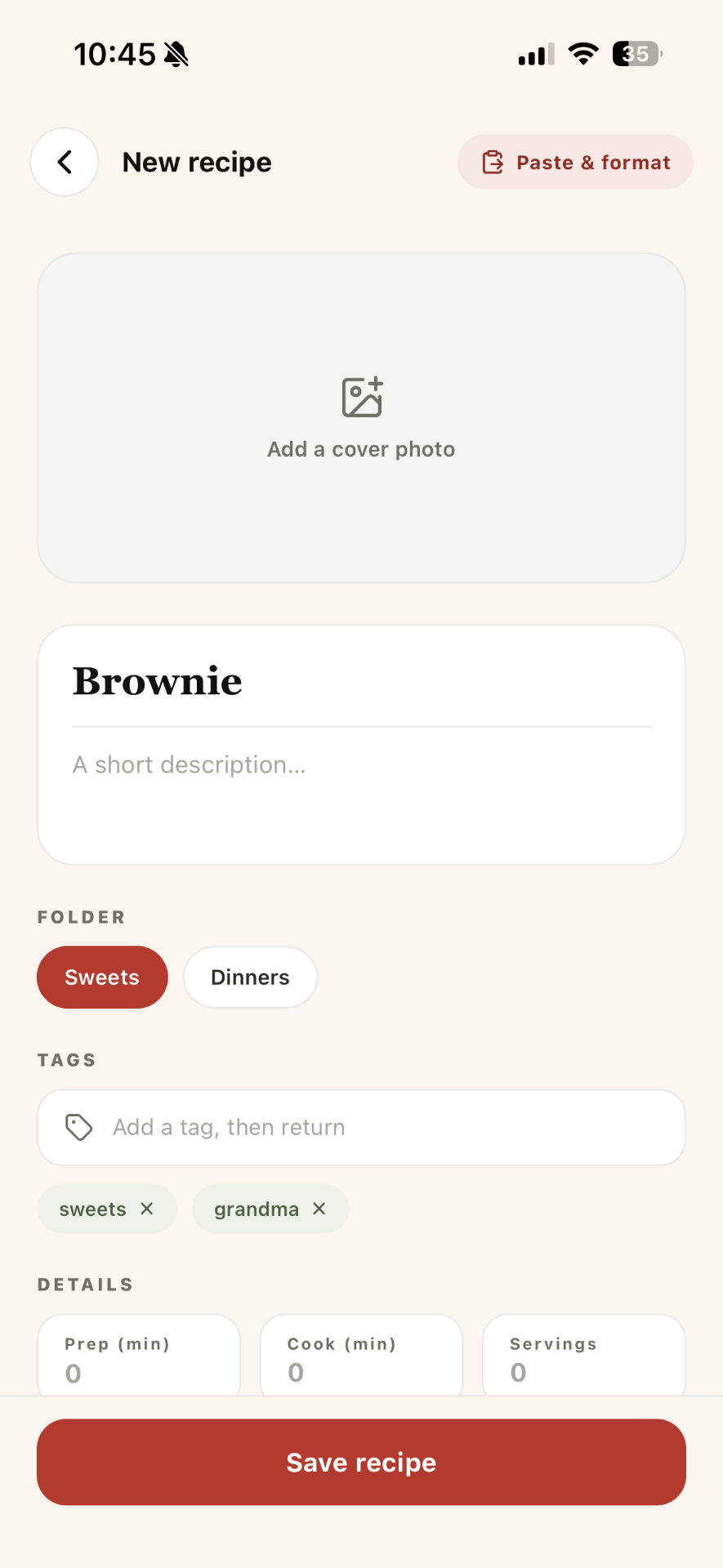
Create a new recipe from the caption, screenshot, notes, or link.
Structure the recipe into ingredients, steps, prep time, cook time, servings, difficulty, tags, and notes.
Keep new Instagram recipes in a To Try or To Clean folder until you actually test them.
After cooking, move the good ones into Dinners, Sweets, Breakfast, Family Favorites, or another permanent folder.
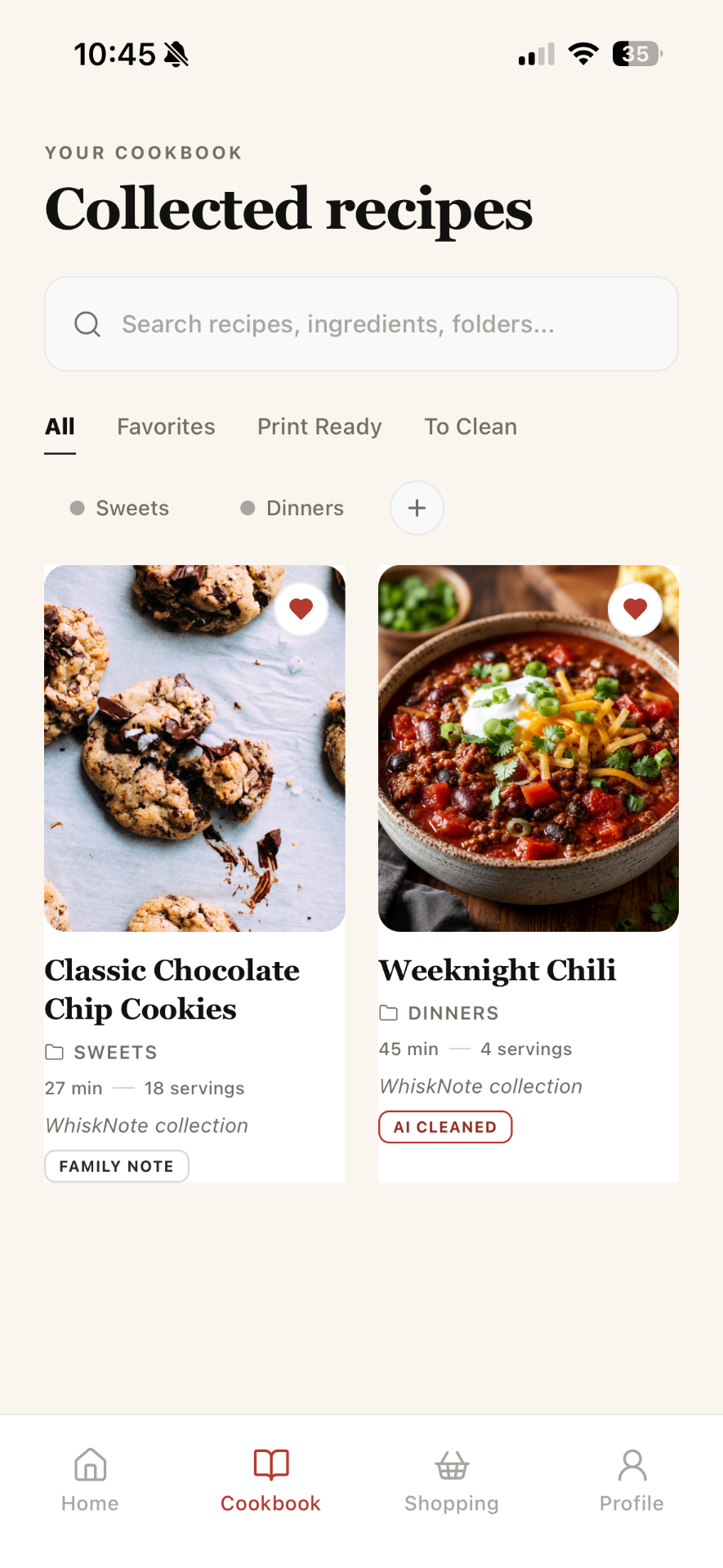
Instagram can give you endless inspiration, but inspiration is not the same as a usable recipe.
Whisk Notes helps you move from scrolling to cooking: From Reel to recipe card. From caption to grocery list. From screenshot to personal cookbook. From saved post to dinner.
The same workflow works for recipes from TikTok, Pinterest, websites, screenshots, PDFs, handwritten notes, and your own kitchen experiments.
Wherever the recipe starts, Whisk Notes helps you give it a better home.
The best way is to move the recipe out of Instagram and into a dedicated recipe organizer. That way you can turn the caption, video notes, or screenshot into clean ingredients, steps, folders, grocery lists, and cooking notes.
Yes. You can save Instagram recipes into Whisk Notes, clean them up, organize them into folders, add tags, favorite the best ones, and cook from a focused recipe screen.
Instagram saved posts are useful for discovery, but they are not ideal for cooking. Recipes can be hard to find, hard to read, hard to shop from, and hard to organize into a personal cookbook.
Yes. Whisk Notes is designed for recipes from social posts, captions, screenshots, websites, handwritten notes, and your own ideas.
Yes. Once a recipe is structured in Whisk Notes, you can send ingredients to a shopping list and use it while you shop.
Turn saved posts, captions, and screenshots into clean recipes you can actually find, cook, and keep.