Lost screenshots
Your camera roll is full of recipe screenshots, but finding the right one later is almost impossible.
Whisk Notes turns recipes from websites, Instagram, TikTok, screenshots, family notes, and your own ideas into a clean personal cookbook you can search, organize, shop from, cook with, and print.
A recipe in your screenshots. Another saved on Instagram. A few buried in browser bookmarks. Family recipes in old notebooks. Dinner ideas in Apple Notes. A TikTok recipe you were sure you would remember.
Most people do not have a recipe collection. They have recipe clutter.
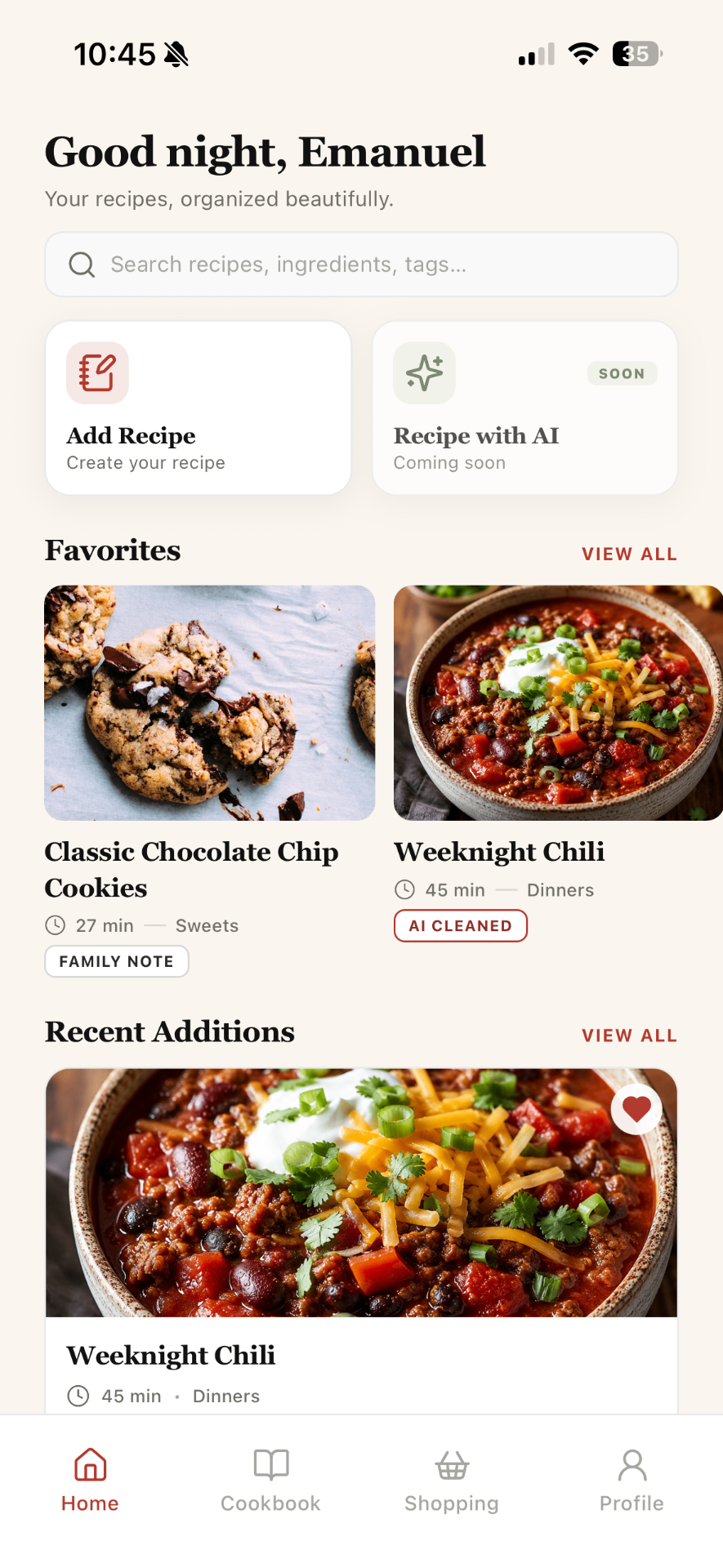
Whisk Notes gives every recipe one beautiful home, so you can stop searching through screenshots, captions, links, and notes every time you want to cook.
Whisk Notes is designed for the way people actually collect recipes today. Save a recipe quickly, clean it into a structured format, organize it into folders, and come back to it when you are ready to cook.
Save recipes from websites, social posts, screenshots, PDFs, handwritten notes, or your own kitchen experiments.
Turn long captions, copied text, and rough notes into organized ingredients, steps, timings, servings, and personal notes.
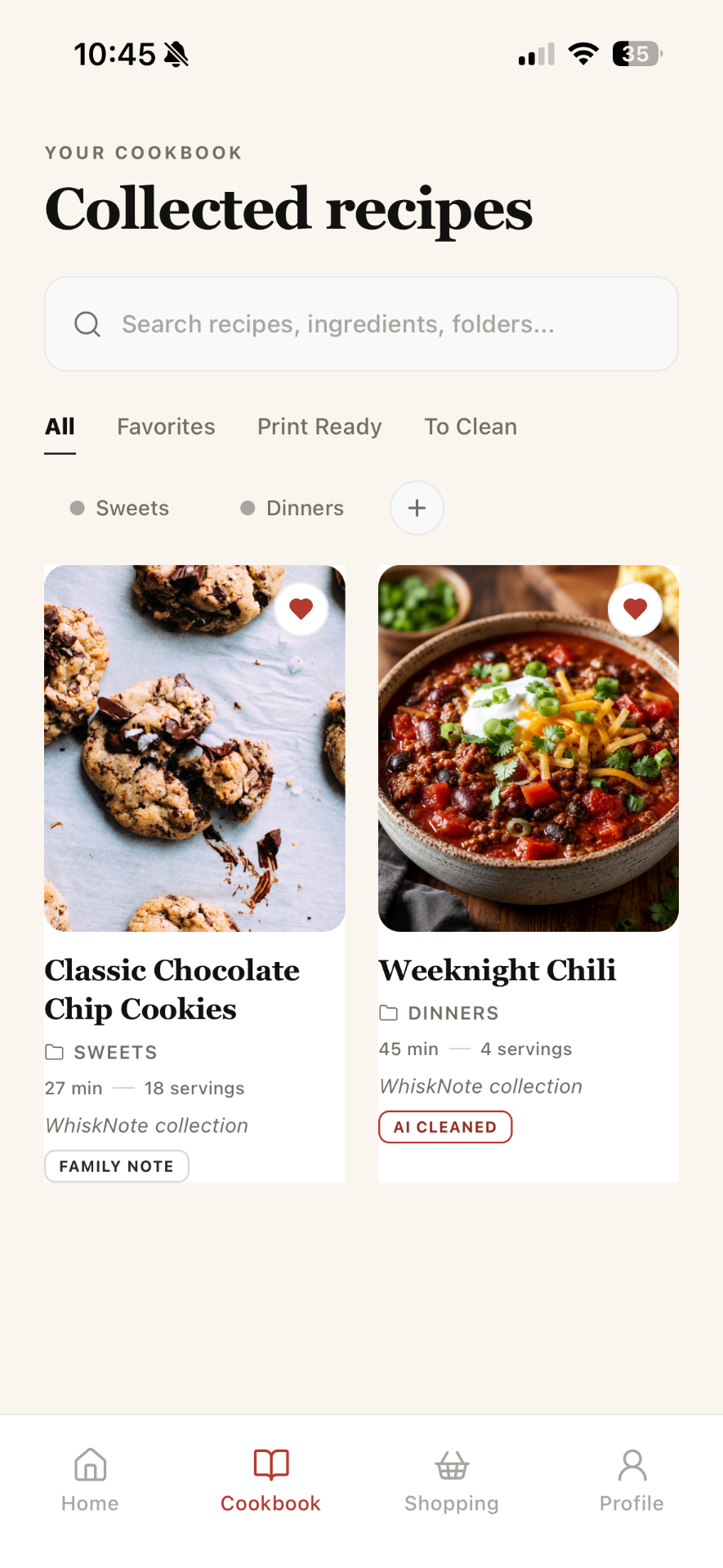
Create folders like Dinners, Sweets, Breakfast, Family Recipes, Holiday Recipes, or To Try. Favorite the recipes you cook again and again.
Find recipes by name, ingredient, folder, or tag instead of scrolling through old screenshots and saved posts.
Send ingredients from recipes into a shopping list and check them off while you shop.
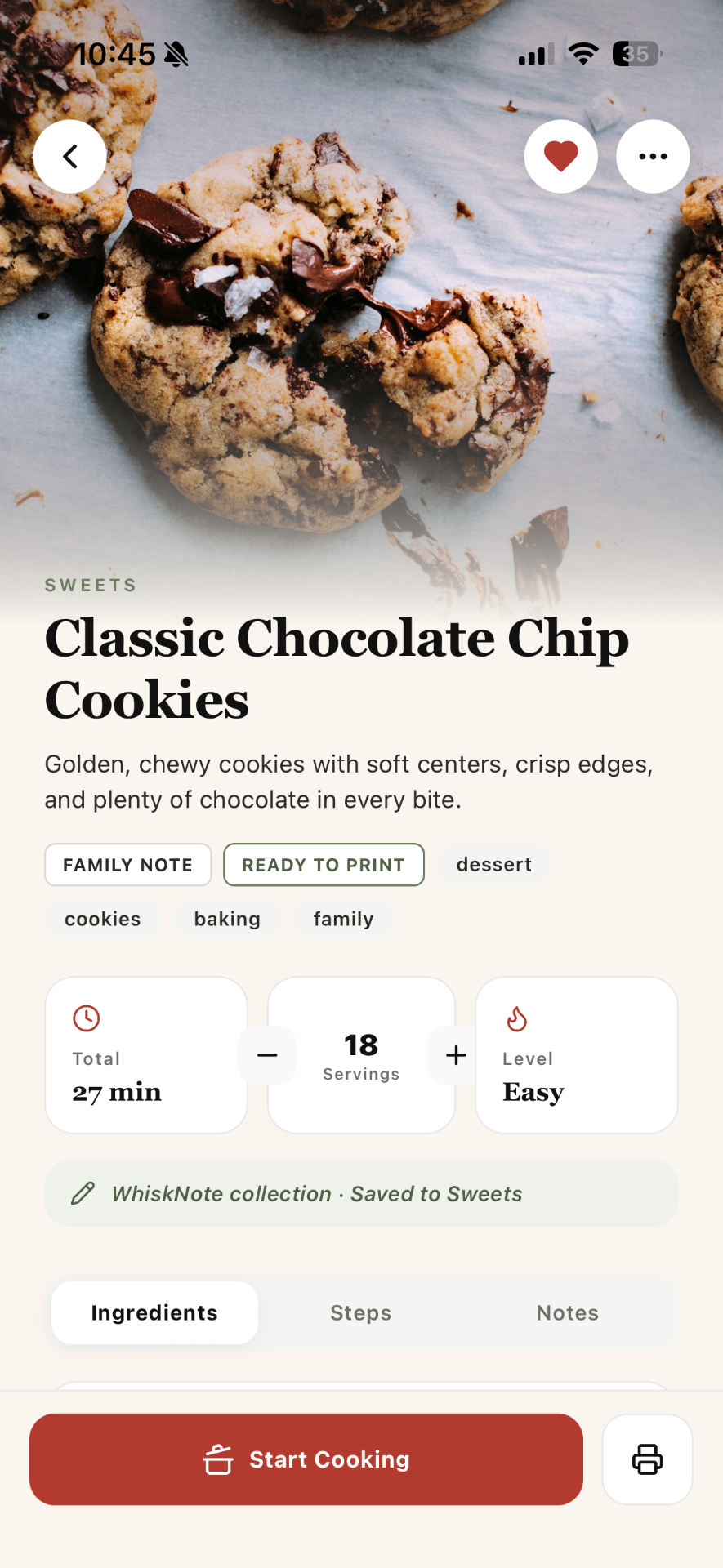
Use cooking mode to follow ingredients, steps, servings, and notes without jumping between apps.
More in the app
Keep your cookbook digital, but make recipes print-ready when you want paper in the kitchen.
Your camera roll is full of recipe screenshots, but finding the right one later is almost impossible.
Instagram and TikTok are great for discovering recipes, but not for cooking from clean ingredients and steps.
Handwritten cards, old notes, and family favorites deserve a safer, easier place to live.
Paste a link, add text, import a recipe, scan a recipe, or write your own from scratch.
Clean the recipe into a simple format with ingredients, steps, prep time, cook time, servings, tags, and notes.
Move it into a folder, mark it as a favorite, add tags, or keep it in To Clean until you are ready.
Open the recipe, scale servings, build a grocery list, use cooking mode, or print it for later.
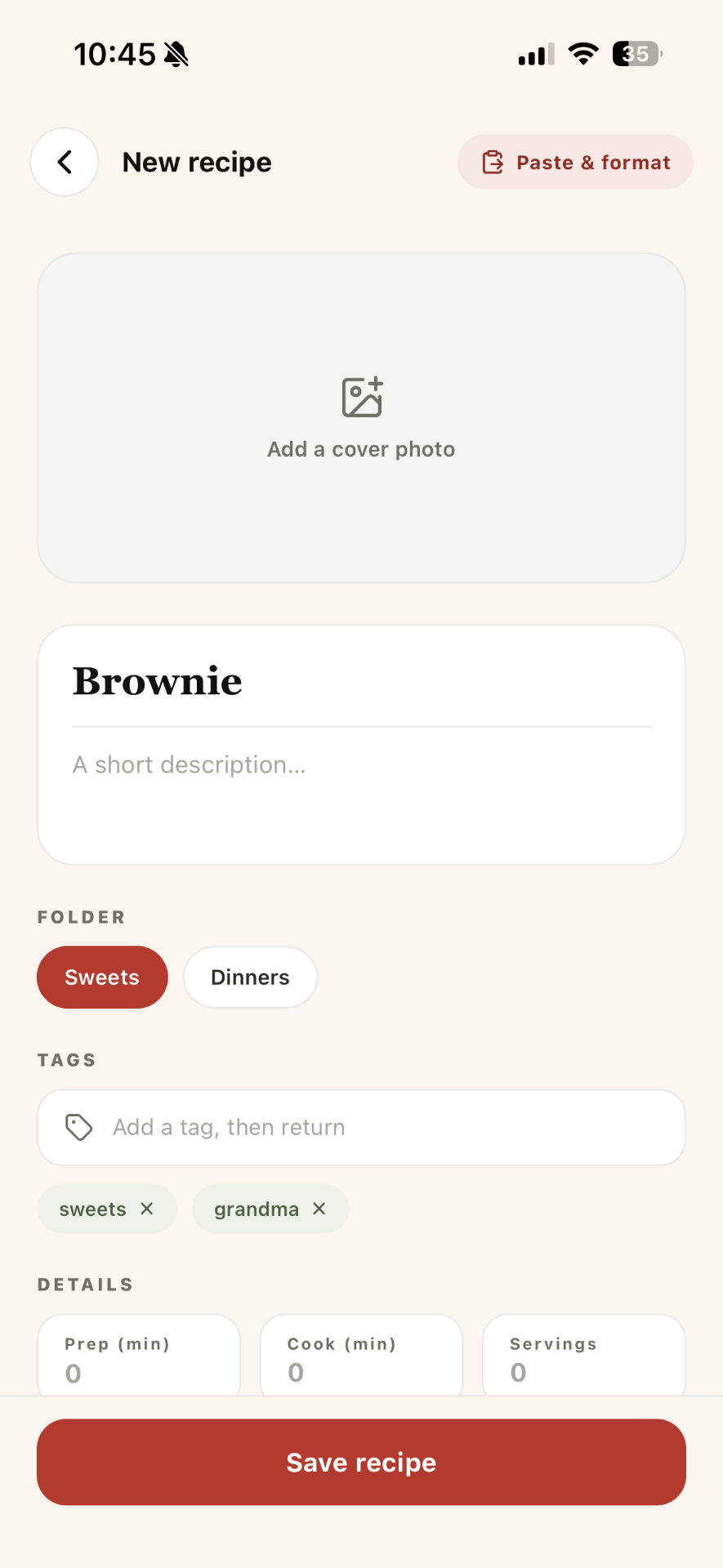
Keep your go-to weeknight meals easy to find when everyone asks, “What’s for dinner?”
Save exact measurements, baking notes, timing, and print-ready recipes for cakes, cookies, and desserts.
Turn Instagram captions, TikTok ideas, and screenshots into real recipes you can actually cook.
Preserve handwritten recipes, family favorites, and personal notes in a beautiful digital cookbook.
Move from “I forgot what I need” to clear shopping lists built from the recipes you saved.
Print the recipes that deserve a place on the counter, in a binder, or in a family cookbook.
A recipe organizer app helps you save, structure, search, and manage recipes in one place. Instead of keeping recipes in screenshots, bookmarks, notes, and saved posts, you can store them as clean recipe cards with ingredients, steps, photos, folders, tags, and notes.
Yes. Whisk Notes is designed for modern recipe saving, including recipes from social posts, captions, screenshots, websites, and your own notes.
Yes. You can organize recipes into folders such as Dinners, Sweets, Breakfast, Family Recipes, Holiday Recipes, To Try, or any structure that fits your kitchen.
Yes. Whisk Notes is built for digital organization, but it also supports print-ready recipes for people who like cooking from paper.
No. You can use Whisk Notes for online recipes, social recipes, handwritten family recipes, personal recipes, screenshots, and recipes you create yourself.
Save your favorite recipes, clean them up, organize them beautifully, and never lose a dish again.